First Cut in Your Zero Clearance Insert
June 1, 2026
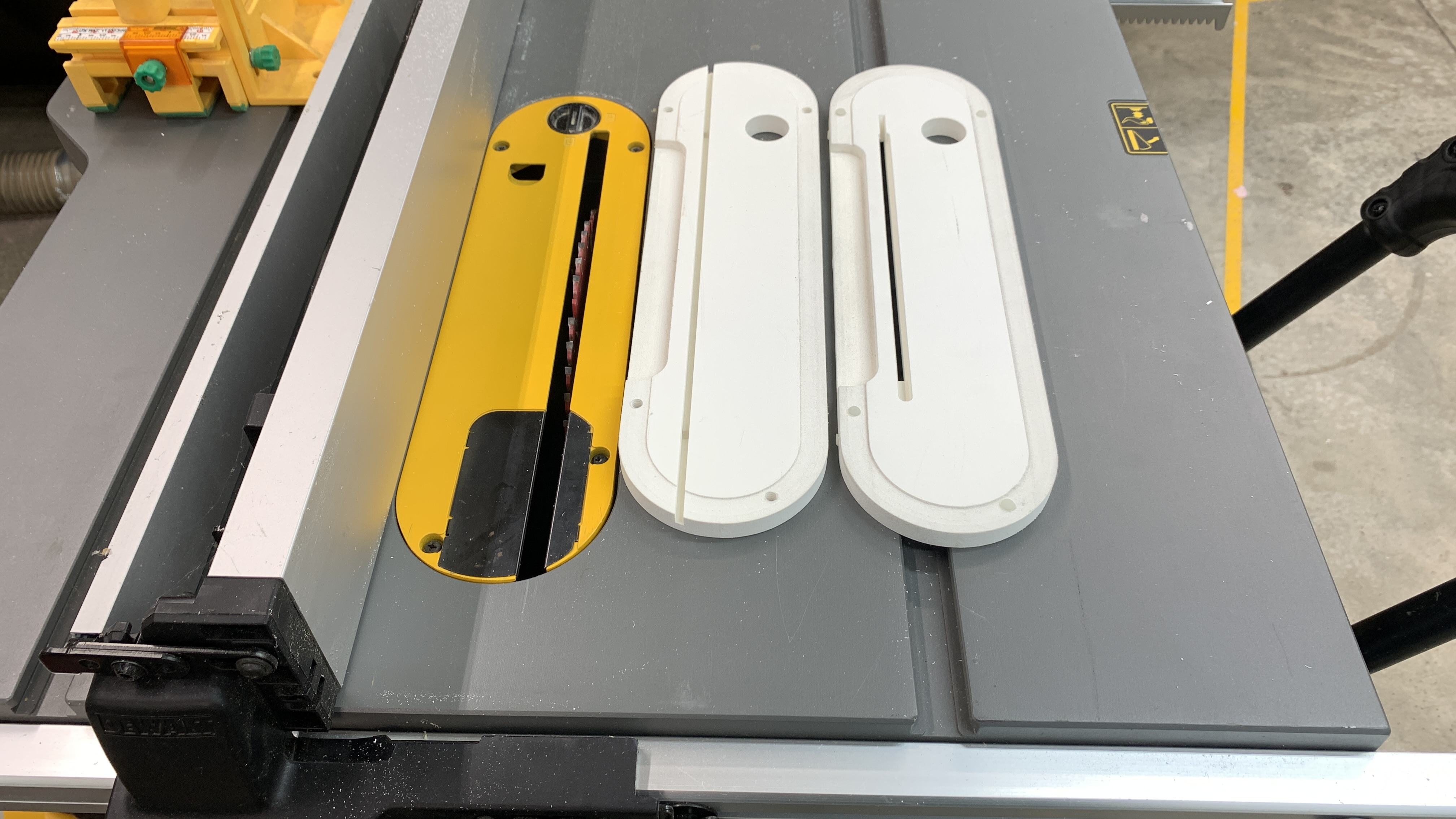
Setting up a new Zero Clearance Insert (ZCI) on your table saw can be tricky; usually, the blade does not retract below the table enough for the new plate to sit flat, so you cannot simply start the saw and raise the blade to make your new ZCI. You could use double-faced tape to secure your new plate on top of your factory throat plate, but this is not really optimal.
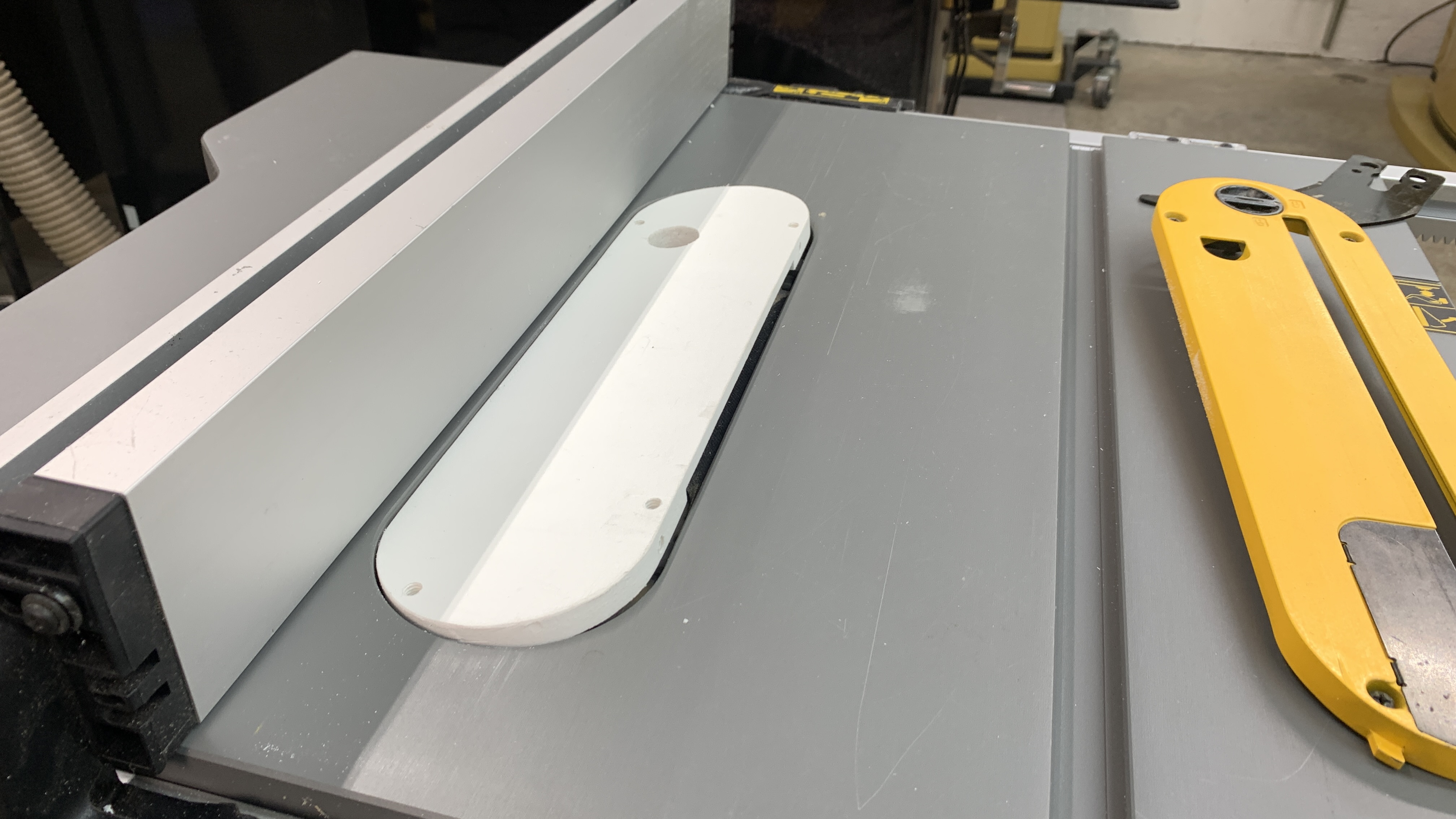
The safe way is to create a clearance groove in the new plate so it will sit flat over the blade before it is cut. This can be done very quickly and easily using your table saw. Fit the blade you want to use with the new insert in your saw and set the rip fence exactly even with the right side of the factory throat plate. Most plates will be 3/8” (9.5mm) to 1/2"(13mm) thick. Raise the blade enough to cut a groove leaving 1/4" (6mm) uncut. Set the new plate in place and rip the groove. This will place the groove exactly where needed.
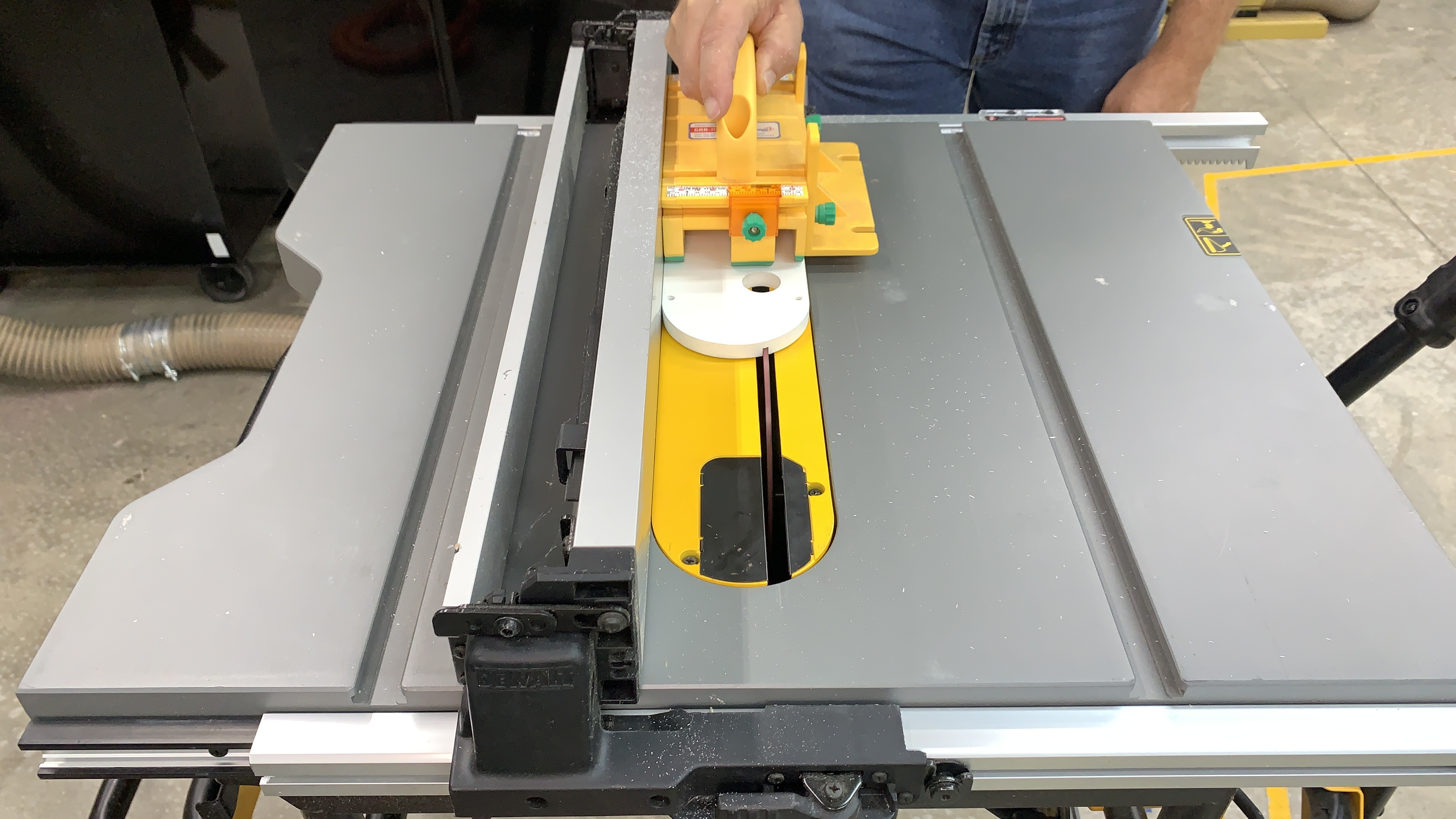
Lower your blade completely and install the new ZCI. Set the rip fence over the right side of the throat plate, and use a GRR-RIPPER or wood scrap to hold the left edge of the plate. This will keep the blade from rising as you turn the saw on and raise the blade up through the new Zero Clearance Insert.
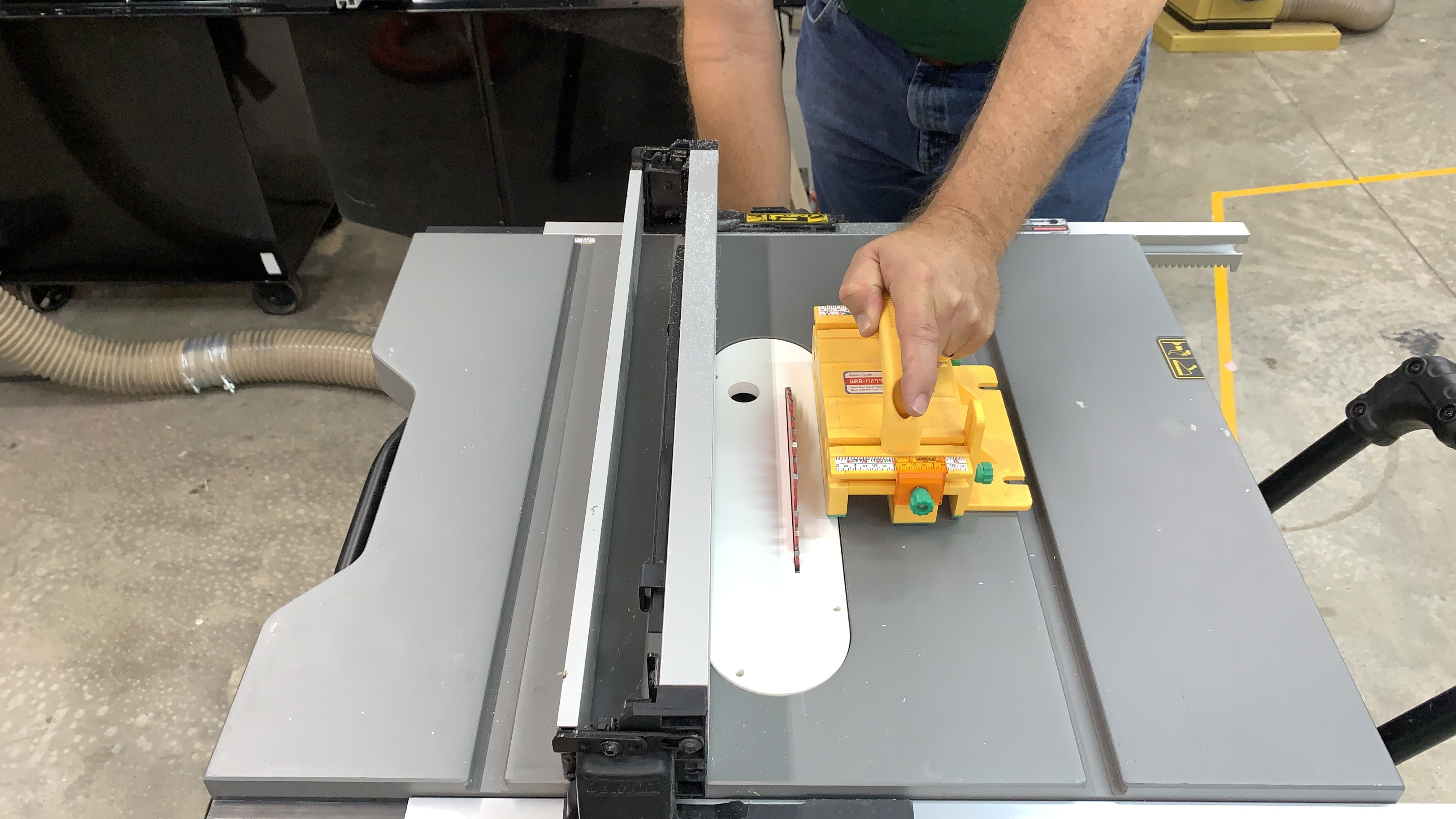
Some plates may come with a clearance groove for the blade already milled into the underside, and if you are careful, you can make a stopped groove at the router table. But however you do it, fitting a Zero Clearance Insert to your saw does not have to be scary. A ZCI gives cleaner cuts and lessens the risk of small bits falling into the throat opening unexpectedly. It also gives you the space needed to mount the MJ Splitters if your saw does not have a good riving knife.