
Setting the MJ Steel Pro Splitters
April 2, 2026
When first installing your MicroJig Steel Pro Splitters, or any time you get a new blade, you need to figure out how to arrange the Splitters for the best fit. Because all saws and blades have differences, we can not simply tell you how to set them up, but we can show you the easy way.
In the installation instructions we have you cut two identical boards with a kerf partway through. One of these is for mounting the drill guide and the other is for setting up the Splitters. If you are setting up for a new blade, you can make a new board from scrap as shown here.
Set the rip fence at least 2” from the blade and make a cut in your scrap far enough along for the kerf to pass the holes drilled in your Zero Clearance Insert. Unplug the saw and do not move the rip fence until this setup process is complete. Slide the scrap board past the blade until it is just in front of the first pair of Splitter holes.
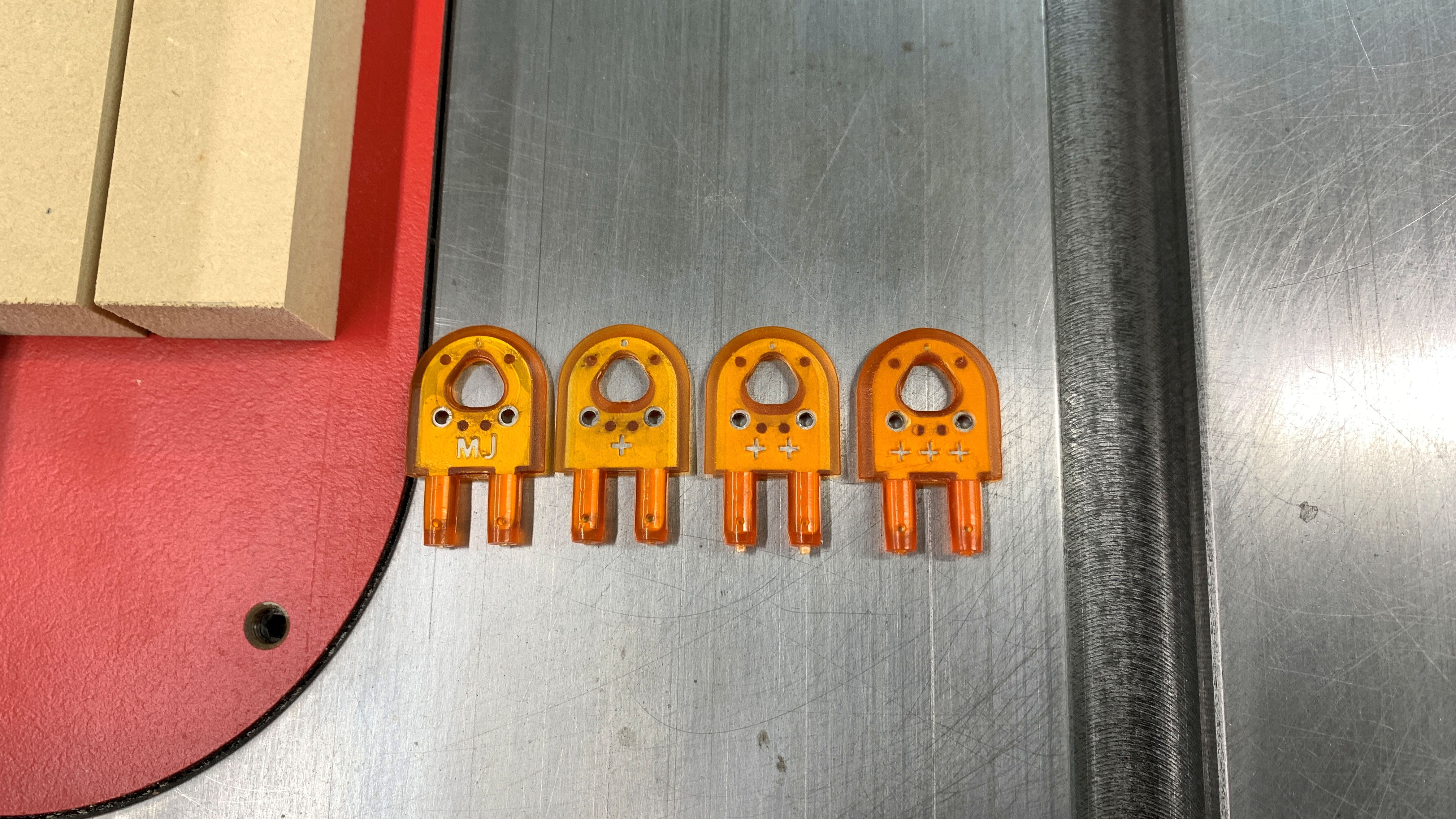
We provide four Splitters in the Steel Pro kit; Two that have “MJ” molded on one face and “+++” on the other face as well as two Splitters that have “+” and “++” molded on their faces. These four Splitters allow for any combination of alignment.
The “MJ” face has no ‘offset’, meaning that when the “MJ” is facing the rip fence, it is as far from the fence as possible, zero offset. Each “+” sign on the other faces indicate 0.003” (0.076mm) offset toward the rip fence. So “+” is 0.003” closer, “++” is 0.006” closer and “+++” is 0.009”closer to the fence.
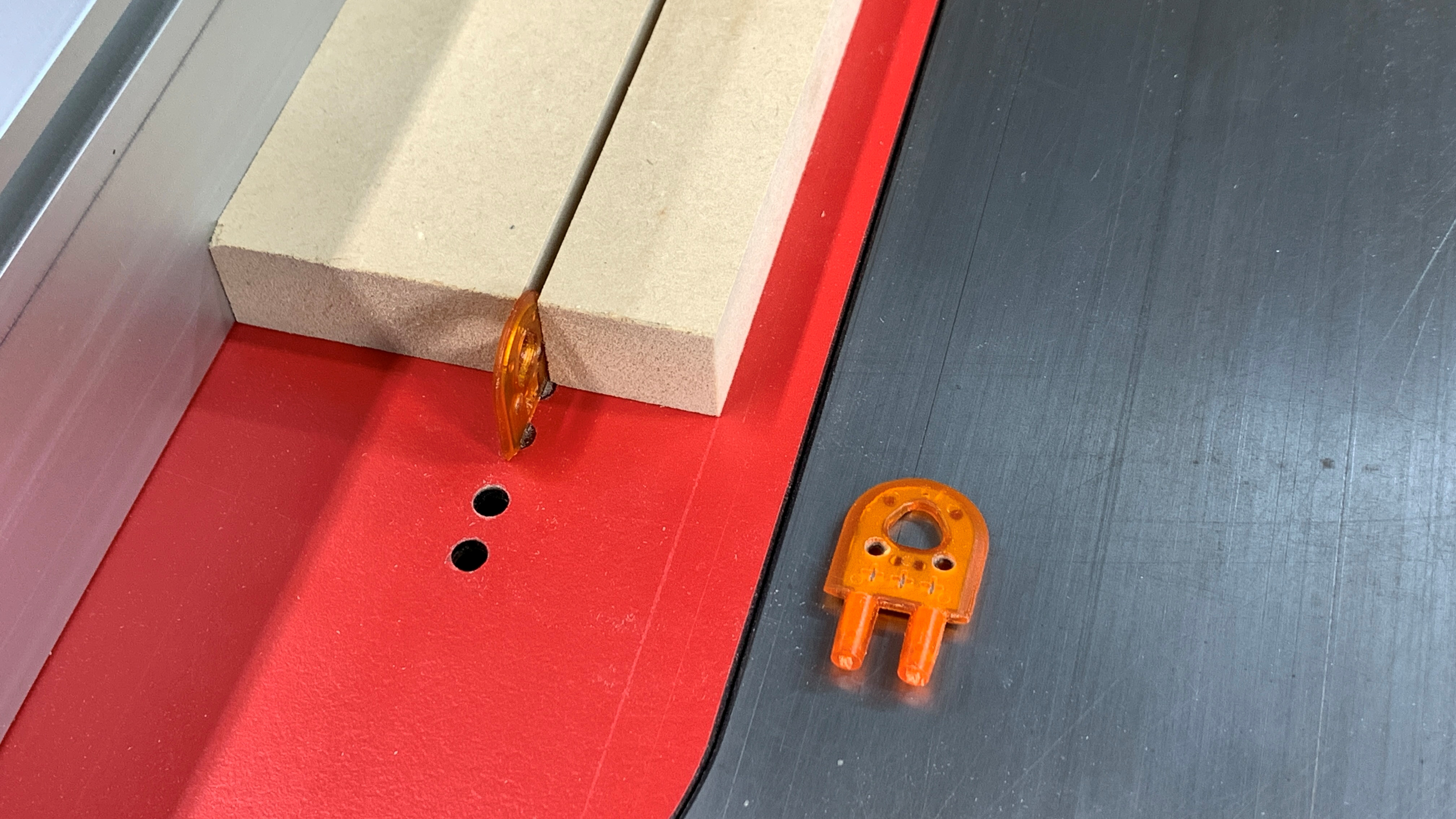
The kerf in your board now makes it easy to test the fit of the Splitters. In this case, “+++” is much to close to the fence and the board just binds up. Try the “++” next, then the “+” until the Splitter is as close to the right side of the kerf as possible without binding.
Once the first Splitter is set, the second is aligned in the same way, but this time the fit is away from the rip fence and toward the left face of the kerf. The Steel Pro Splitters adjust both side to side to match the kerf path, and outer face to outer face to fit the width of the kerf providing you with maximum control.
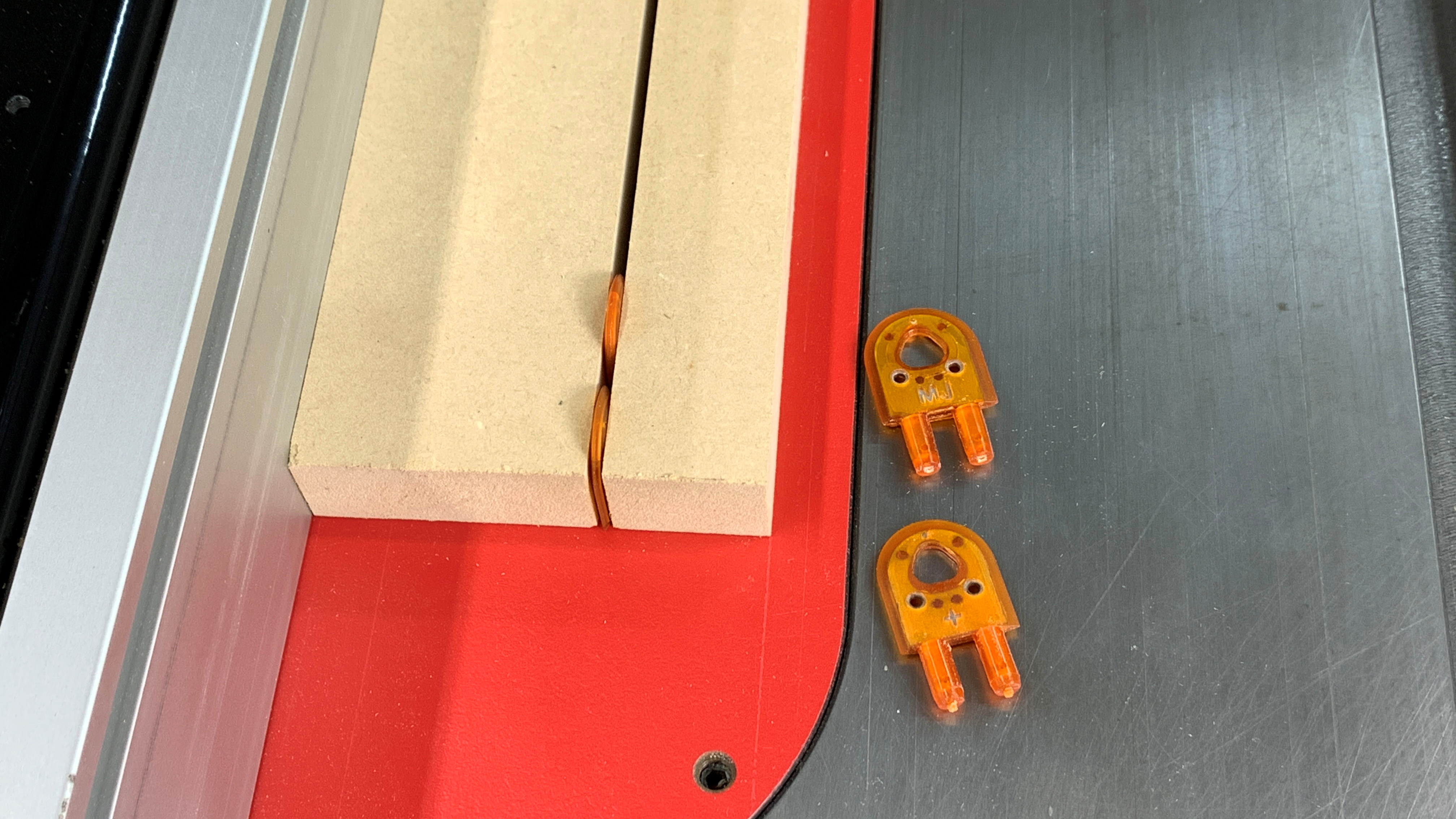
You can use this method any time you add a new blade, or if you get a blade back from being sharpened. Sharpening removes some of the tooth width making the kerf smaller, so the width between Steel Pro Splitters may need to be adjusted as well.


