My 2GO Sticker is Too Big
June 3, 2026
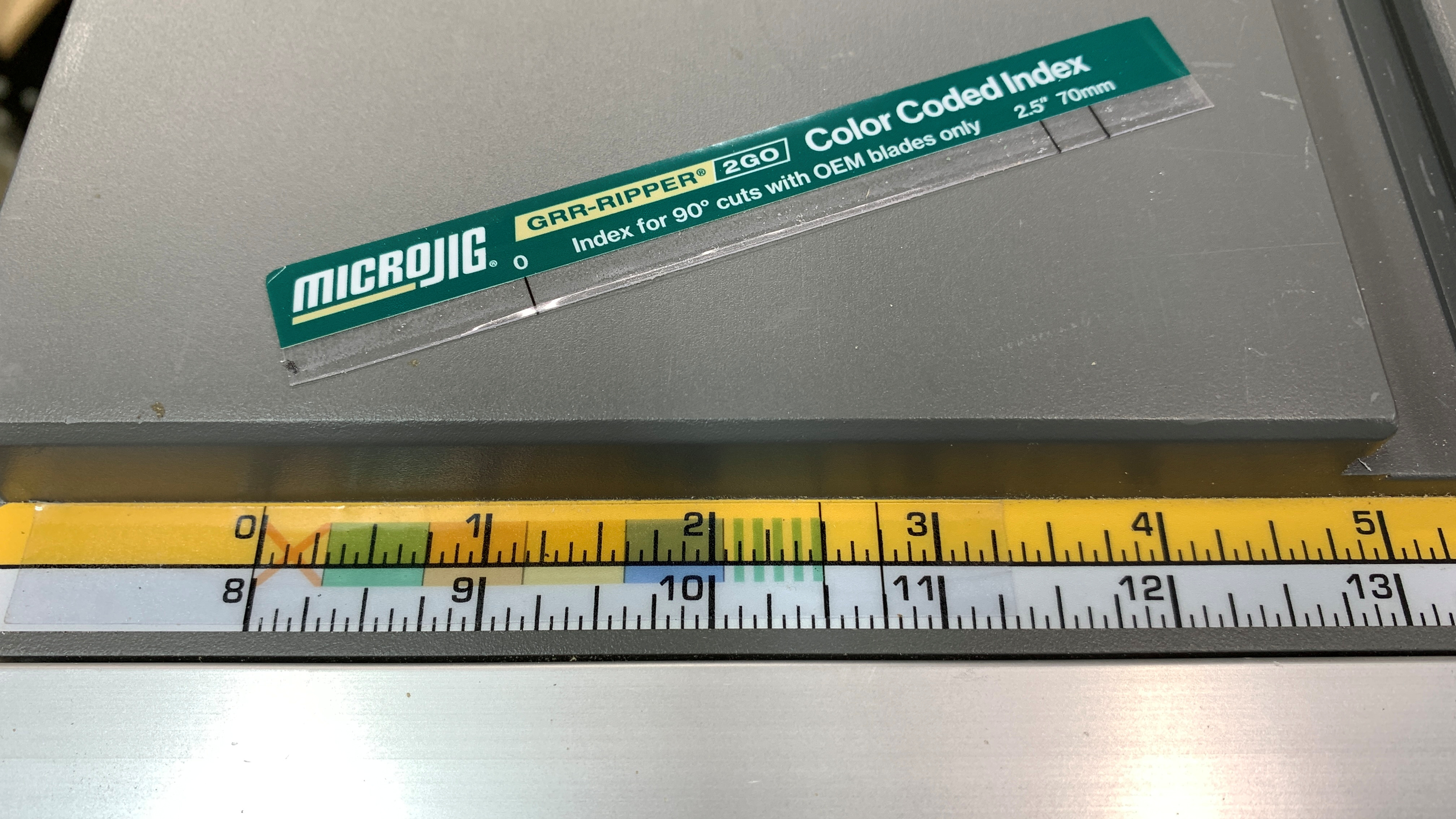
Some GRR-RIPPER 2GO owners have discovered that smaller jobsite table saw rip fence rails are not wide enough to accept the whole Color Code Index sticker. But this is an easy problem to fix.
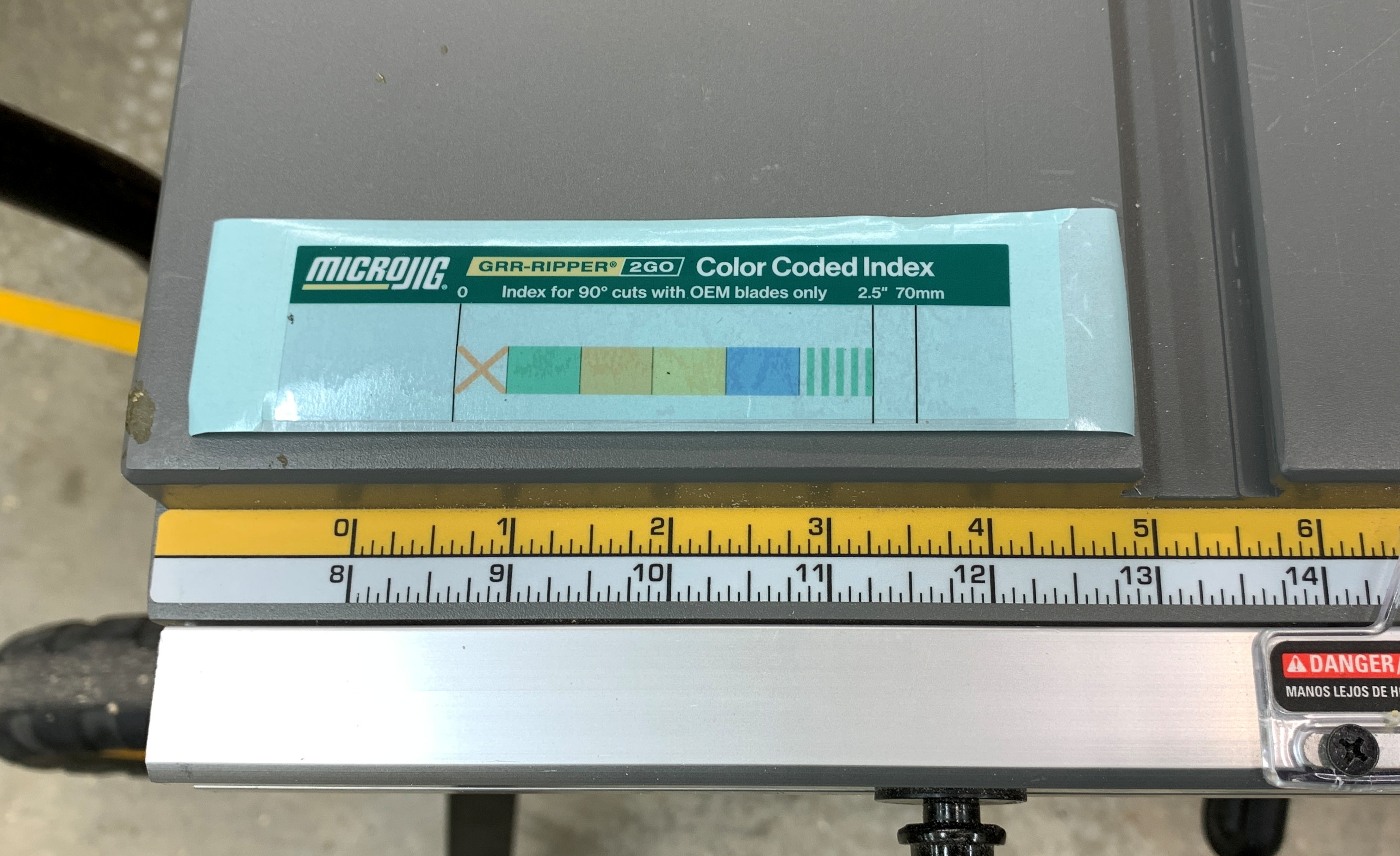
The top half of the sticker contains the “Index for 90 degree cuts with OEM blades only” warning along with the MicroJig and 2GO logos. It is not critical for using the Color Code Index. The clear section below with the color blocks is the important part, the rest can be cut off.
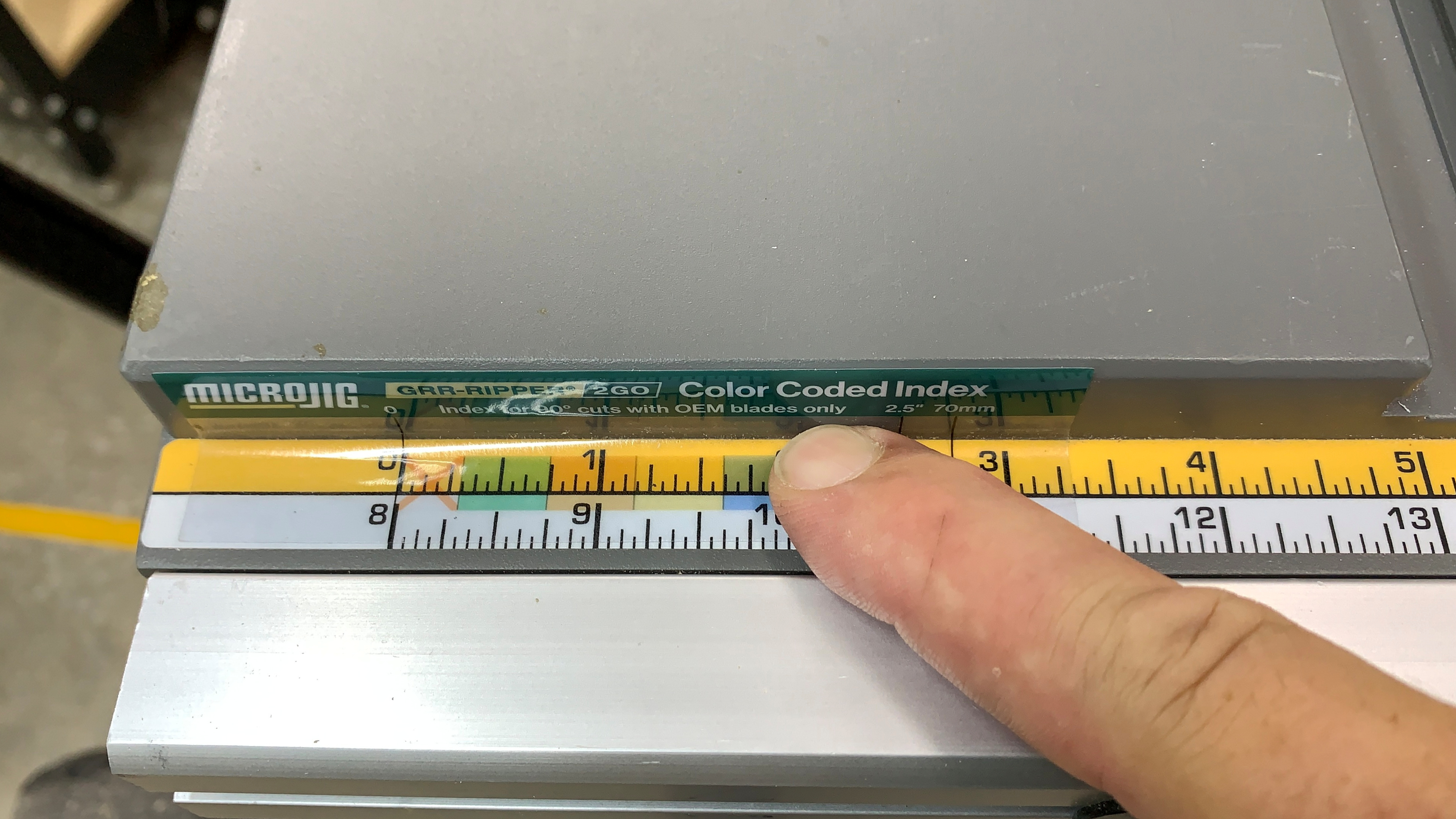
Place the sticker with the “0” line matched with the zero on your rip fence as shown in the GRR-RIPPER 2GO instructions on the inside of the package sleeve. Burnish the sticker down on the rip fence rail letting the top green section bend up onto the front edge of the saw table. The crease where the sticker is bent will perfectly guide the cut.
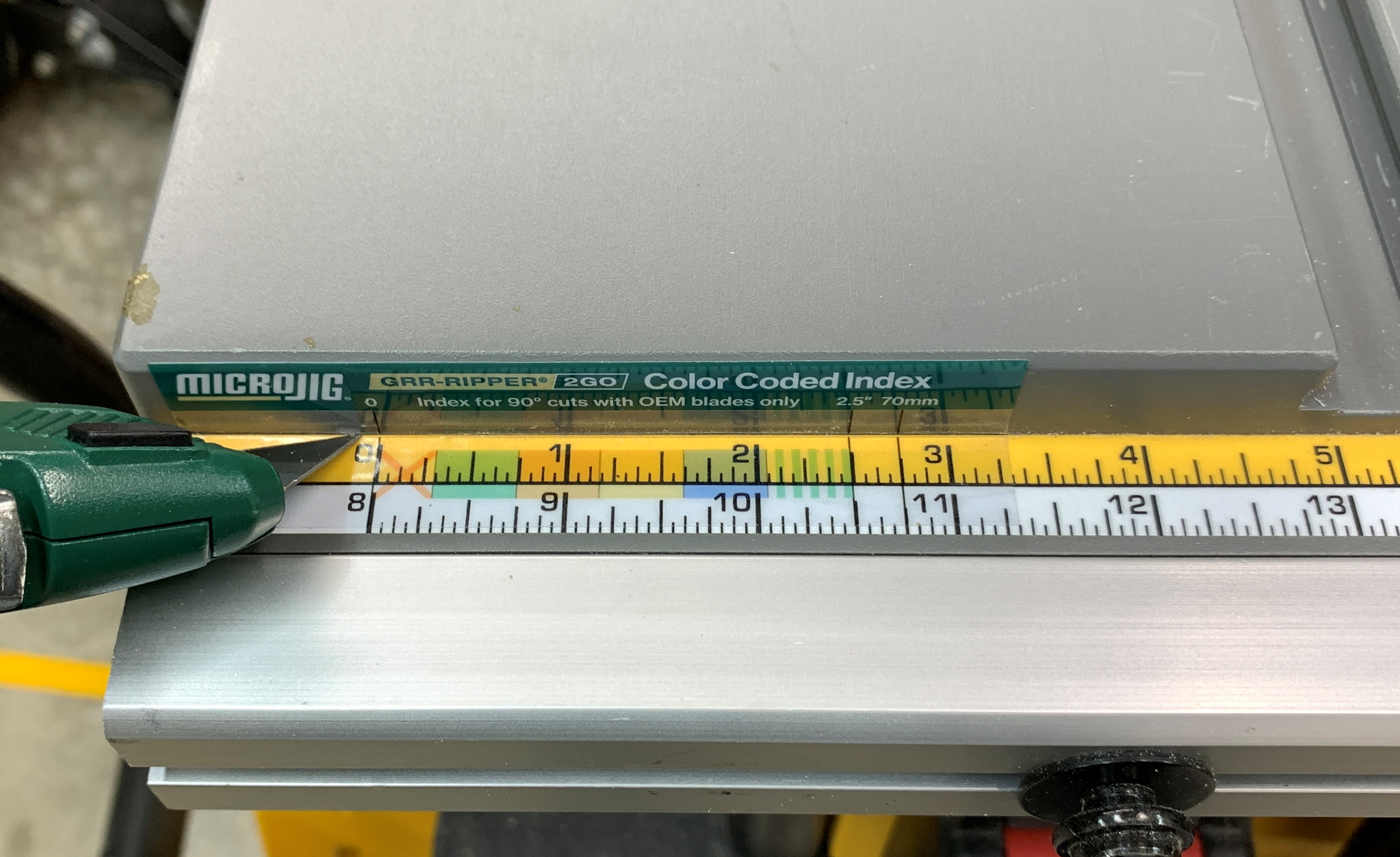
Use a sharp knife to cut the sticker along the seam between the rip fence scale and the edge of the table, then remove the top part of the sticker and dispose of it. Your Color Code Index is now ready to use with out the excess being in the way of your saw operation. Simple and easy.